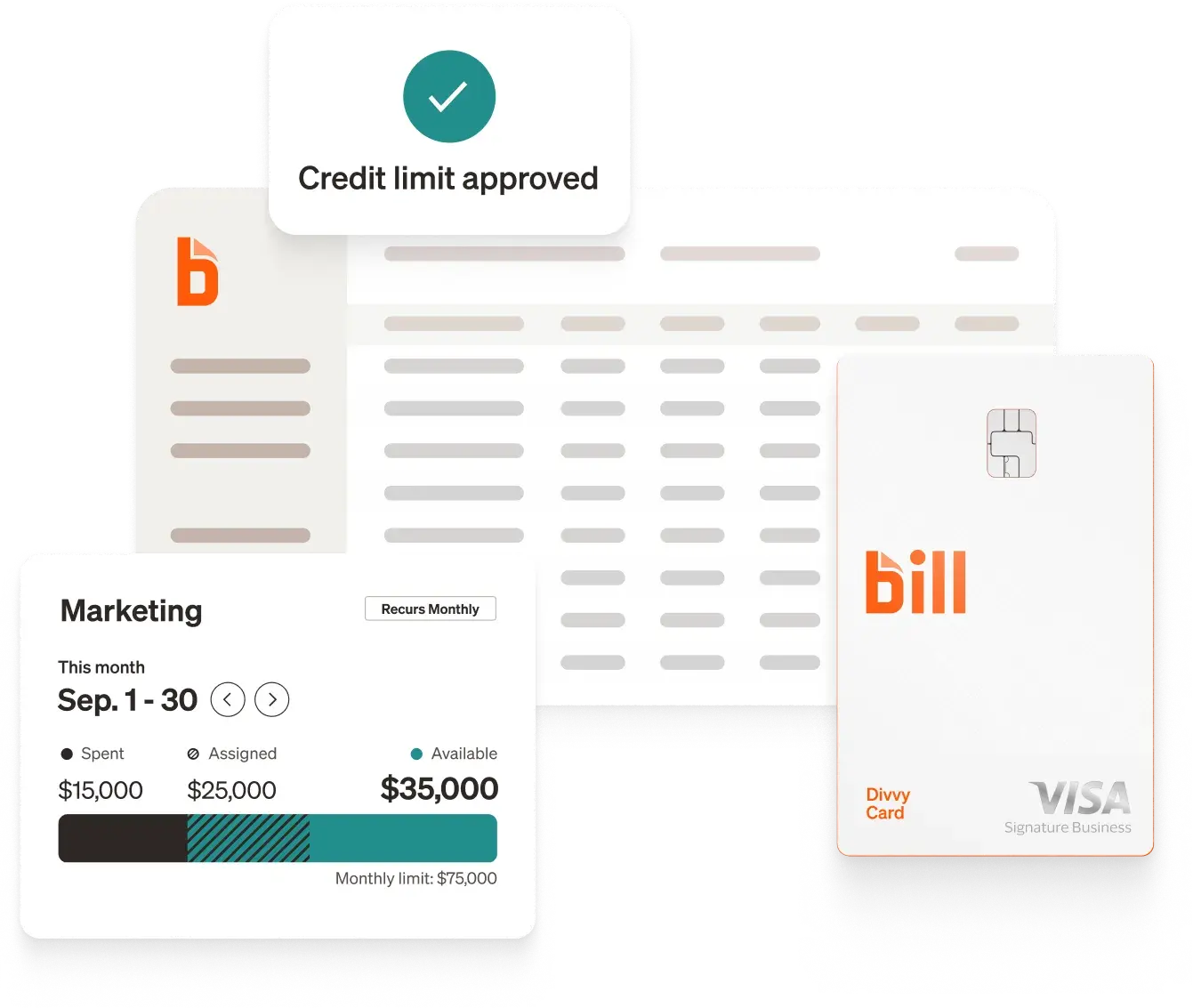
Automated invoice approval routing sends each invoice to the right approver based on rules you define: vendor, amount, department, or cost center. The system sends reminders, escalates overdue approvals, and syncs decisions to your accounting software, so invoices clear faster and nothing falls through the cracks.
What automated invoice approval routing does
An automated invoice approval workflow moves each bill through a defined sequence of steps based on logic you configure. At its core, the system:
- Captures the invoice: either from a dedicated inbox, an email import, or a vendor portal, extracting key fields like vendor name, amount, GL code, and due date.
- Applies routing rules: routes the invoice to the right approver based on criteria you set (e.g., invoices over $10,000 go to the CFO; invoices from a specific vendor go to a department head).
- Notifies approvers: sends alerts via email or mobile app so approvers can act from wherever they are.
- Escalates if needed: if an approver doesn't respond within a defined window, the system routes the invoice to a backup approver or sends a reminder.
- Records the decision: captures a timestamped audit trail showing who approved, who was notified, and when.
- Syncs to accounting software: pushes the approved bill to your general ledger, eliminating manual re-entry.
This workflow can run across any number of invoices simultaneously, which is where automation scales in ways that manual processes cannot.
Key features to look for in an invoice approval automation tool
When evaluating any AP automation platform for approval routing, the following capabilities matter most for financial teams:
- Rule-based routing with multiple tiers. The system should support routing based on dollar thresholds, vendor, department, and GL code, and should allow sequential multi-step approval chains, not just a single approver assignment.
- Escalation and reminder automation. Without built-in escalation, late approvals still require manual intervention. Look for configurable reminder timing and automatic escalation to a backup approver.
- Mobile approval capability. Approvers are often away from their desks. Any platform that limits approval to a desktop interface introduces unnecessary delays.
- A full audit trail. Each approval decision, including the approver's name, timestamp, and any comments, should be recorded and retrievable. This matters for internal audits and for demonstrating internal controls to external auditors.
- Accounting software integration. Approval routing without a direct sync to the general ledger creates a new manual step at the end of the workflow. Two-way integration ensures that approved invoices post to the ledger without re-entry.
- AI-assisted data capture. Invoice data extraction accuracy affects how often approvers need to intervene to correct fields. Higher accuracy at intake means faster, more confident approvals downstream.
BILL's accounts payable platform combines all of these capabilities in a single system designed for midsize and growing businesses. As of September 30, 2025, 498,000 businesses use BILL's solutions.[5] Customers report saving 8 hours a week on AP compared to non-customers.[6] BILL's midsize company solutions page covers how these workflows apply across different organizational structures.
How to set up automated invoice approval routing
Step 1: Map your approval hierarchy before you configure anything
Start with a document, not software. Write out who needs to approve what, under which conditions. Common dimensions include:
- Dollar amount (e.g., under $2,500 needs one approval; $2,500 to $25,000 needs two; above $25,000 needs the CFO)
- Vendor or category (e.g., all legal invoices go to the General Counsel)
- Department or cost center (e.g., marketing invoices go to the VP of Marketing)
- Exception types (e.g., any invoice without a PO needs a secondary review)
Getting this on paper first prevents having to reconfigure your system repeatedly after launch. It also becomes the policy document your team can reference.
Step 2: Configure routing rules in your AP platform
In a dedicated accounts payable automation platform like BILL, you create routing rules inside the system's approval workflow settings. You can assign approvers by role or by name, set dollar thresholds that trigger escalation, and designate backup approvers for each tier.
BILL's payment approvals feature lets you build multi-step approval sequences, so a bill can flow from a department manager to a finance director to the CFO in sequence, with each step fully tracked. You can also require dual approval for high-value transactions, which is a common internal control for organizations managing fraud risk.
Step 3: Set escalation timers and reminders
Decide how long an approver has before the system sends a reminder, and how long after that before the invoice escalates. A common configuration is a 24-hour reminder followed by a 48-hour escalation to a backup approver.
In BILL, these escalation paths are built into the approval workflow. If an approver doesn't act within your defined window, the system routes the invoice forward without requiring your AP team to manually follow up.
Step 4: Connect your accounting software
Approval routing only saves time if the approved invoice flows directly into your general ledger. Without a sync, your team still has to re-enter data manually after approvals clear.
BILL integrates with major accounting platforms including QuickBooks Online, Oracle NetSuite, Sage Intacct, Xero, and Microsoft Dynamics. Once an invoice clears approval, it posts to the ledger without a separate data entry step, reducing the risk of transcription errors.
Step 5: Run a pilot before you go live
Start with one department or one vendor category. Verify that invoices route to the right approvers, that reminders fire on schedule, and that approved bills sync correctly to the ledger. Collect feedback from approvers, especially any who find the mobile notification process unfamiliar.
After two to four weeks, expand to your full invoice volume with documented SOPs and a known escalation path for exceptions.
How to reduce late invoice approvals using automation
Reducing late approvals is less about speed and more about removing the conditions that cause delays. Automation addresses each condition directly.
- Remove reliance on memory. Automated reminders ensure approvers are notified even if the original notification got buried. Systems like BILL send alerts to both the approver and the AP team, so no one has to manually chase a response.
- Enable mobile approvals. A common source of delays is an approver who is out of office. When approvals can be completed from a mobile device, approvers can clear invoices without waiting until they're back at a desk. BILL's mobile app lets approvers review, approve, or reject invoices from anywhere, which removes a major bottleneck for teams with distributed or traveling managers.
- Use escalation paths instead of manual follow-ups. Rather than relying on someone to notice an invoice is stuck, configure the system to escalate after a defined period. This converts a reactive process into a self-managing one.
- Increase visibility for the AP team. A dashboard showing which invoices are pending, who they're waiting on, and how close each is to its due date lets the AP team prioritize outreach and catch potential late payments before they happen. BILL's AP controls give finance teams a real-time view of invoice status across the full workflow.
- Reduce invoice complexity at the entry point. Many delayed approvals happen because the approver has questions about what they're approving. AI-assisted data extraction reduces ambiguity by capturing vendor, amount, GL code, and line items accurately from the invoice. BILL's AI is trained on more than $1 trillion in transactions and more than 1.3 billion documents,[1] and extracts data from about 220,000 documents each day.[2]
When approvers receive clean, complete invoice data, they act faster. 81% of customers surveyed agree that BILL's payment approval process is at least twice as fast as other methods.[3]
Why manual invoice approval is a bottleneck for financial teams
Most finance teams already know the feeling: an invoice arrives, someone forwards it to a manager, the manager is traveling, a payment deadline passes, and a vendor follows up with a late-payment notice. The problem isn't that the team is careless; it's that the process depends entirely on people remembering to act.
Manual approval chains create several predictable failure points:
- No visibility: Once an invoice is emailed for approval, the AP team has no real-time view of where it sits or when it will clear.
- Inconsistent routing: Different approvers get looped in based on whoever sent the email rather than a documented policy.
- No escalation path: If an approver doesn't respond, nothing happens until someone follows up manually.
- Audit gaps: Email threads are hard to retrieve during audits. Who approved what, and when, often lives in someone's inbox.
For financial teams managing dozens or hundreds of invoices each month, these gaps compound quickly into late payments, strained vendor relationships, and compliance exposure.
Automation closes each of these gaps by turning your approval policy into rules the system enforces without requiring anyone to remember.
How BELAY uses BILL to manage approval routing at scale
BELAY, a virtual assistant and bookkeeping firm supporting over 3,000 clients across the U.S., built its AP workflow on BILL. Before automating, clients' invoice approval processes often took 15 to 20 minutes per transaction — manageable per invoice, but a serious bottleneck across hundreds of bills a month.
After implementing BILL's role-based routing, clients moved through a consistent flow: invoices arrive in a dedicated inbox, AI-assisted entry captures key fields, bills route to the right project managers and department heads for approval, then payments move via ACH. The process came down to roughly a minute per transaction without sacrificing oversight.
BILL's approval thresholds, which escalate high-dollar items above a configured amount, gave BELAY's clients tighter controls without adding manual review steps. Brad Ebenhoeh, Director of Sales at BELAY, describes the result as "controlled efficiency" — the ability to move fast while staying compliant.
87% of customers surveyed agree that using BILL saves a significant amount of time compared to their previous process.[4] For a firm managing thousands of client accounts, those compounding time savings are what make growth possible without adding headcount at the same rate. (See BELAY's full story)
Disclosures
[1] BILL's AI is trained on more than $1 trillion in transactions and more than 1.3 billion documents. Source: FY25 earnings call (Nov 2025); AI Agents blog (Oct 2025).
[2] BILL AI extracts data from about 220,000 documents each day. Source: BILL internal AI narrative document.
[3] Based on a 2026 BILL survey sent to customers.
[4] Based on a 2026 BILL survey sent to customers.
[5] As of September 30, 2025, 498,000 businesses use BILL's solutions. Source: FY2026 Q1 investor deck (Nov 2025).
[6] Based on a 2026 BILL survey comparing time spent for customers vs. non-customers.
BILL and its affiliates do not provide tax, legal or accounting advice. This material has been prepared for informational purposes only, and is not intended to provide, and should not be relied on, for tax, legal or accounting advice. You should consult your own tax, legal and accounting advisors before engaging in any transaction. BILL assumes no responsibility for any inaccuracies or inconsistencies in the content. While BILL has made every attempt to ensure that the information contained in this site has been obtained from reliable sources, BILL is not responsible for any errors or omissions, or for the results obtained from the use of this information. All information in this site is provided "as is", with no guarantee of completeness, accuracy, timeliness or of the results obtained from the use of this information, and without warranty of any kind, express or implied. In no event shall BILL, its affiliates or parent company, or the directors, officers, agents or employees thereof, be liable to you or anyone else for any decision made or action taken in reliance on the information in this site or for any consequential, special or similar damages, even if advised of the possibility of such damages.