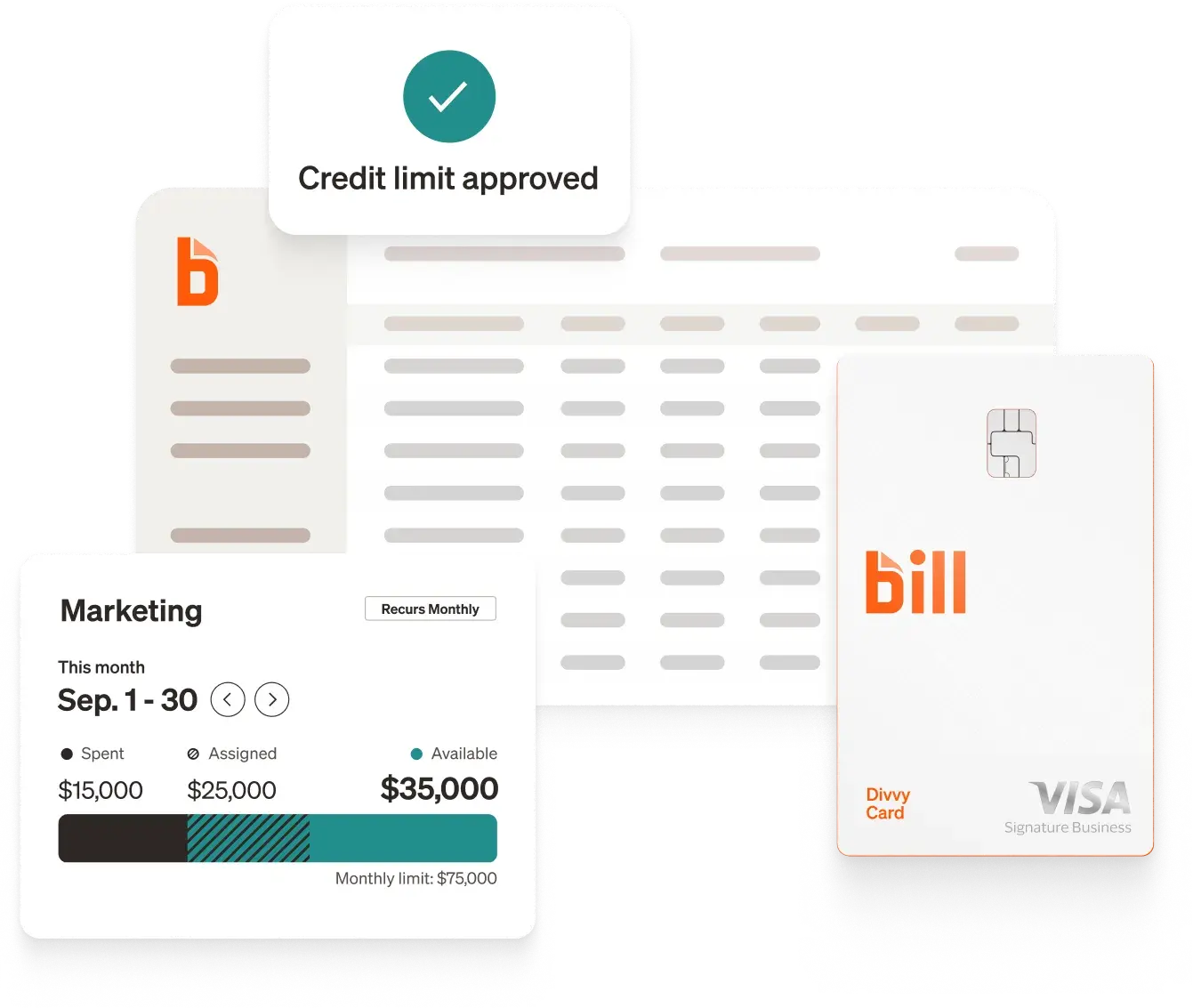
AI in expense management uses machine learning, optical character recognition (OCR), and automated workflows to replace the manual steps that slow down your finance team—receipt entry, category coding, policy review, approval routing, and month-end reconciliation. The result is a spend process that runs continuously throughout the month rather than creating a bottleneck at the end of it.
What is AI in expense management?
AI in expense management refers to software that uses artificial intelligence to handle the full lifecycle of business spend: capturing transactions, classifying them by category, validating them against policy, flagging anomalies, routing approvals, and syncing to your accounting platform.
Traditional rule-based automation can apply simple logic—"if category equals travel, route to manager X"—but it can't learn from your data or adapt to edge cases. AI goes further: it reads a receipt photo and extracts the vendor, date, and amount without a template; it predicts how a transaction should be categorized based on your organization's history; and it detects patterns that suggest a fraudulent submission without a human reviewer spotting it manually.
The inputs are receipts, corporate card transactions, invoices, and employee reimbursement claims. The outputs are coded transactions ready to sync, exception reports for review, and real-time dashboards that show spending against budget at any moment.
BILL Spend & Expense is built around this model: AI handles the repetitive work so finance teams focus on decisions, not data entry.
Key features to look for in an AI-powered expense solution
Not all AI expense tools work the same way. When evaluating options, these are the most common ones:
BILL's reporting tools surface spending by person, team, category, and budget in real time. Virtual cards can be created in seconds with custom limits and closed when no longer needed—giving finance teams precise control over every dollar before it's spent.
How AI improves accuracy, efficiency, and compliance
Receipt capture and data extraction
The most time-consuming part of expense management for employees is capturing and entering receipt data. AI eliminates this: a photo taken on a mobile phone gets read automatically, with the vendor name, date, and amount extracted and pre-populated into the expense record.
BILL's AI captures key invoice fields with 95% accuracy from day one.[1] For the most common vendors and transaction types, that accuracy reaches approximately 99%.[2] Once a transaction is captured, the system predicts the correct accounting category based on your organization's history—so most entries arrive pre-coded rather than waiting for someone to touch a keyboard.
Automated policy validation and fraud detection
Traditional expense auditing is retrospective: someone reviews what was spent and flags violations after the fact. AI makes policy enforcement proactive. Spending rules are built directly into the cards employees use, so a purchase that falls outside approved limits can be blocked before it posts.
Fraud detection works similarly. AI trained on large transaction datasets can identify duplicate submissions, unusual vendors, and amounts that fall outside historical norms without a human reviewer catching them manually. BILL's AI is trained on more than $1 trillion in transactions and more than 1.3 billion documents,[3] which means the models have seen a broad range of legitimate and anomalous patterns. In FY25, BILL's AI defenses stopped over 8 million attempted fraud attacks.[4]
Faster approvals and measurable time savings
Approval bottlenecks are one of the most common delays in the expense cycle. Automated routing eliminates them: approval workflows run based on rules configured once—routing to the right person based on amount, department, or spend category—and approvers receive push notifications they can act on in seconds. 81% of customers surveyed agree that BILL's payment approval process is at least twice as fast as other methods.[5]
The downstream impact on finance teams is significant. 87% of customers surveyed agree that BILL saves a significant amount of time compared to their previous process,[6] and 84% agree that BILL has eliminated hours of manual work from their weekly routine.[7]
How AI in expense management works at BILL
BILL Spend & Expense applies AI at every step of the expense cycle—from the moment an employee swipes a card to the moment the transaction syncs to your books.
At the point of purchase, every transaction made on a BILL corporate or virtual card is captured automatically. Employees can snap a receipt photo from the BILL mobile app and the AI extracts the vendor, date, and amount instantly. Category codes are predicted based on your organization's patterns—no manual input required.
Before the purchase happens, budget limits are already enforced. Finance teams set spending rules by employee, department, category, or vendor directly on each card. A transaction that falls outside those parameters can be blocked before it posts, not flagged for follow-up weeks later. This is where AI shifts expense management from reactive to proactive.
During review and approval, BILL routes each transaction to the right approver automatically based on rules set once in your workflow configuration. Approvers get a mobile notification and can approve in seconds. BILL's AI simultaneously scans submissions for anomalies—duplicate amounts, unusual merchants, or out-of-pattern behavior—and surfaces exceptions for finance review without requiring a manual audit of every line item.
At close, approved transactions sync in real time to your accounting platform: QuickBooks, Oracle NetSuite, Xero, or Sage Intacct. The result is a month-end reconciliation that's a review rather than a reconstruction. For out-of-pocket spend, BILL's reimbursement workflow captures employee claims through the same mobile app, routes them through the same approval logic, and deposits funds directly to the employee's bank account.
How BILL helped BrüMate automate their expense management
Before BILL, BrüMate's expense process was entirely manual. Employees held onto physical receipts, submitted them at month-end, and finance had to reconcile everything by hand. For CFO Jarrod Cox, that meant one full day every month dedicated to sorting through credit card statements—time that could have been spent on decisions that actually moved the business forward.
The team had no real-time visibility into what was being spent across departments. Budget overruns were discovered after the fact. And as the company grew, the manual process didn't scale.
How BILL changed the process
BrüMate implemented BILL Spend & Expense and issued virtual and physical BILL Divvy Cards to team members across departments. With cards in hand, every transaction was captured automatically the moment it posted—no receipt chasing, no month-end scramble.
Finance configured spending limits directly on each card by employee and category. Marketing could spend within their campaign budget without needing approval for every purchase; anything outside the limit required a separate workflow. Virtual cards gave the team flexibility to create project-specific cards instantly and close them when a campaign wrapped.
The BILL mobile app handled receipt capture in the field: employees photographed receipts on the spot, and BILL's AI extracted the relevant data automatically. Transactions arrived pre-coded and ready for review rather than waiting for someone to manually enter them.
The results
The impact on Jarrod Cox's workflow was immediate. "That's cut down what could be days of allocating that spend into an hour or two a month," he said.
The team gained real-time visibility across every department's spending—a meaningful shift for a business where marketing budgets change based on daily sales performance. Month-end reconciliation became a review of already-coded, already-approved transactions rather than a reconstruction from paper receipts.
For a lean finance team managing a growing eCommerce operation, that's the difference between being reactive and staying ahead. Read the full BrüMate case study.
Implementing AI in your expense management process
Change management and rollout
The biggest implementation risk for AI expense tools isn't technical—it's adoption. Employees who are used to submitting expenses monthly will need a clear reason to shift to real-time capture. Frame the change around what's easier for them: no more saving receipts, no more month-end report assembly, and faster reimbursement.
91% of customers surveyed agree that BILL is easy to implement.[8] A phased rollout—starting with one department or team, then expanding—typically generates internal advocates who help drive adoption in the rest of the organization.
Measuring success
Before and after implementation, track these KPIs to quantify the impact:
Privacy, security, and data governance
AI expense tools process sensitive financial data: employee spending patterns, vendor relationships, and transaction histories. When evaluating a platform, ask specifically about data encryption in transit and at rest, access controls and audit logs, and how the vendor uses your data to train models. Reputable providers will have clear answers to each of these. BILL processes data with enterprise-grade security and does not use customer data to train models without explicit agreement.
How to get started with BILL Spend & Expense
Getting BILL Spend & Expense up and running typically takes days, not weeks. Here's how most teams approach it:
1. Connect your accounting platform
BILL integrates natively with QuickBooks, Oracle NetSuite, Xero, and Sage Intacct. Connecting your accounting system first means your chart of accounts, vendor list, and category codes are available from day one—so transactions sync correctly from the start.
2. Issue cards to your team
Physical BILL Divvy Cards can be ordered for employees who need them. Virtual cards can be created instantly for individuals, projects, or vendors, with custom spending limits set before the card is used.
3. Configure your spending policies
Set limits by employee, department, category, or merchant directly in the BILL dashboard. These rules enforce automatically—no manual monitoring required after setup.
4. Set up approval workflows
Define who approves what based on spend amount, department, or card type. BILL routes each submission to the right approver and sends mobile notifications, so approvals happen in real time rather than sitting in an inbox.
5. Enable accounting sync
Once transactions are approved, they sync to your accounting platform automatically. You can map BILL categories to your chart of accounts once, and the system handles the rest on every subsequent transaction.
From there, BILL's AI works continuously in the background—learning your patterns, flagging anomalies, and keeping your spending data accurate and current. Most finance teams report that the manual work falls away within the first billing cycle.
Ready to see how it works for your team? Explore BILL Spend & Expense or view budget management tools.
Disclosures
[1] Data based on 1 year of invoices for key extraction fields where the field was contained in the invoice.
[2] Based on BILL's analysis of the top 20% of common bills assuming doc layouts and user behaviors stay consistent. Results will vary by invoice layout and data quality.
[3] FY25 earnings call (Nov 2025); AI Agents blog (Oct 2025).
[4] BILL internal risk management data for FY25.
[5] Based on a 2026 BILL survey sent to customers.
[6] Based on a 2026 BILL survey sent to customers.
[7] Based on a 2026 BILL survey sent to customers.
[8] Based on a 2026 BILL survey sent to customers.
The BILL Divvy Card may be issued by one of Divvy Pay, LLC's bank partners (bill.com/bank-partners). The BILL Divvy Card is not a deposit product. For your specific lender, see your Card Agreement.
BILL and its affiliates do not provide tax, legal or accounting advice. This material has been prepared for informational purposes only, and is not intended to provide, and should not be relied on, for tax, legal or accounting advice. You should consult your own tax, legal and accounting advisors before engaging in any transaction. BILL assumes no responsibility for any inaccuracies or inconsistencies in the content. While BILL has made every attempt to ensure that the information contained in this site has been obtained from reliable sources, BILL is not responsible for any errors or omissions, or for the results obtained from the use of this information. All information in this site is provided "as is", with no guarantee of completeness, accuracy, timeliness or of the results obtained from the use of this information, and without warranty of any kind, express or implied. In no event shall BILL, its affiliates or parent company, or the directors, officers, agents or employees thereof, be liable to you or anyone else for any decision made or action taken in reliance on the information in this site or for any consequential, special or similar damages, even if advised of the possibility of such damages.