If you're searching for expense reporting tools that connect with QuickBooks, here's the short answer: BILL, Expensify, Ramp, Concur, and Brex all offer QuickBooks connectivity — but they differ significantly in integration depth, automation capabilities, and fit for small and midsize businesses. BILL stands out as the most complete solution for SMBs because it combines AP and AR automation, corporate card spend management, and a native two-way QuickBooks sync in a single platform. This guide breaks down each tool so you can choose the right one for your team.
What to look for in a QuickBooks-integrated expense reporting tool?
Before evaluating vendors, it helps to understand what a strong QuickBooks integration means in practice. A surface-level integration exports data in one direction. A deep integration does several things:
- Bidirectional sync — expense data flows in and out of QuickBooks so your chart of accounts, classes, customers, and vendors stay current in both systems.
- Auto-categorization — the tool pulls your existing QuickBooks categories and applies them automatically to new expenses, reducing manual coding.
- Receipt-to-transaction matching — receipts captured via mobile or email are matched to the correct QuickBooks transaction without manual intervention.
- Custom export formats — your team can configure whether expenses export as vendor bills, journal entries, checks, or credit card transactions to fit your accounting workflow.
- Vendor matching — merchants are automatically matched to existing QuickBooks vendor records, keeping your books clean.
Not every tool delivers all five. That distinction matters when you're managing month-end close under time pressure.
How BILL integrates with QuickBooks
BILL's QuickBooks integration is designed for SMBs that need more than expense capture — they need a complete financial operations layer that keeps both sides of the ledger accurate.
Native two-way sync
BILL syncs directly with QuickBooks Online and QuickBooks Desktop. When a vendor bill is approved and paid in BILL, that transaction flows automatically into QuickBooks with the correct account coding, class, and location tags already applied. Changes made in QuickBooks — like updating a chart of accounts or adding a new vendor — are reflected in BILL without manual re-entry.
AI-powered invoice capture
BILL uses AI to extract key data fields from incoming invoices: vendor name, amount, due date, line items, and GL codes. BILL AI extracts data from about 220,000 documents every day,1 and invoice data extraction for common fields is approximately 99% accurate2. That reduces the time your AP team spends on manual entry and significantly lowers the risk of coding errors before data ever reaches QuickBooks.
Smart categorization and approval routing
Once BILL captures an invoice or expense, its AI engine suggests the correct expense category based on historical patterns and your QuickBooks chart of accounts. Approvals are then routed automatically based on rules you configure — by amount, department, vendor, or cost center — so nothing sits in an inbox waiting. 87% of customers surveyed agree that BILL helps them reduce errors.3
Corporate card spend with BILL Spend & Expense
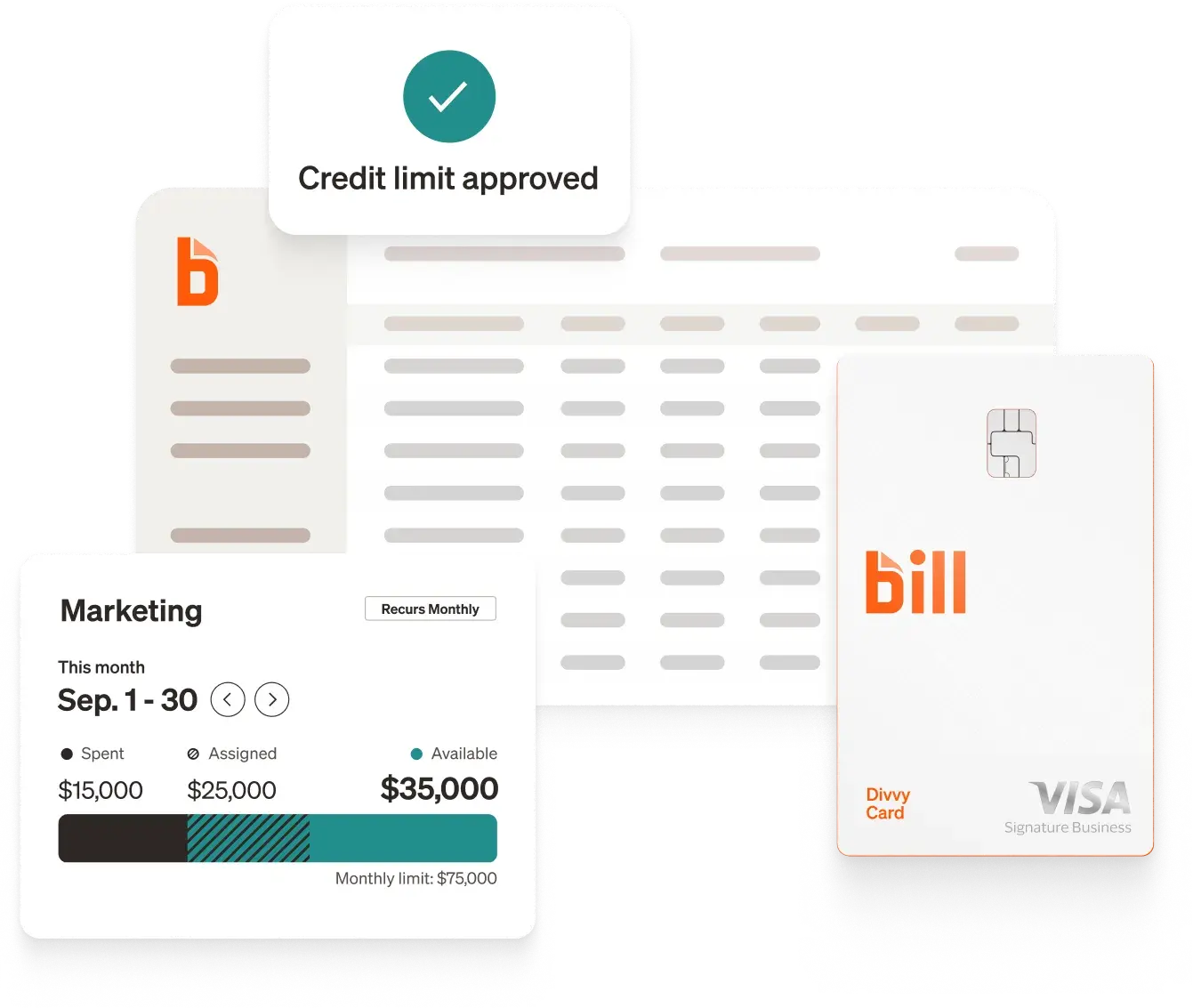
BILL offers the BILL Divvy Card, which gives finance managers real-time visibility into employee spending before the month ends. Spend limits, merchant category restrictions, and budget controls are set in advance. Every transaction is automatically categorized and synced to QuickBooks, eliminating the reconciliation bottleneck that often plagues teams using standalone expense tools.
The BILL Divvy Card may be issued by one of Divvy Pay, LLC's bank partners. The BILL Divvy Card is not a deposit product. For your specific lender, see your Card Agreement.
International payments
For SMBs with overseas vendors, BILL supports international payments in 137 countries and 106 currencies4. These transactions sync to QuickBooks with the correct foreign exchange treatment, reducing the manual adjustments typically needed at close.
Expense reporting tools that integrate with QuickBooks: 2026 comparison
The table below evaluates BILL alongside its primary competitors on QuickBooks integration depth, key features, and SMB fit.
Why QuickBooks integration depth matters more than you think
QuickBooks is the dominant accounting platform for SMBs, and most SMB finance teams are not looking to replace it. They're looking for a tool that works with it seamlessly.
The problem is that many expense reporting tools offer QuickBooks "integration" that amounts to a periodic CSV export or a one-directional data push. That means your QuickBooks data is perpetually out of date, finance teams spend hours reconciling expenses at month-end, and errors compound when employees submit expenses in one tool while accountants re-enter them in QuickBooks.
A platform with native, bidirectional QuickBooks sync — like BILL — eliminates this category of problem entirely. Customers report spending 85% less time on GL reconciliations compared to non-customers.5
Emergency Plumbing Heating & Air experienced this firsthand. Before BILL Spend & Expense, the team was comparing balance sheets to spending in Excel and manually ensuring everything matched up in QuickBooks. After switching, expenses are categorized before they even hit QuickBooks — saving hours that used to be spent on manual reconciliation.
BILL vs. Ramp: the primary comparison for QuickBooks-connected SMBs
Ramp is the most frequently cited alternative to BILL, particularly for companies that prioritize corporate card controls and spend visibility. Here's where the two diverge for QuickBooks users.
Where BILL pulls ahead
BILL is not just a card program. It handles the full expense management, accounts payable and accounts receivable workflow, which means:
- Invoice processing: BILL captures, codes, routes, and pays vendor invoices, all syncing to QuickBooks automatically.
- Accounts receivable: BILL also automates AR, helping SMBs get paid faster. 54% of customers surveyed agree that they are paid at least 2x faster with BILL.6
- Network scale: As of September 30, 2025, 498,000 businesses use BILL's solutions.7
- SMB focus: BILL is purpose-built for SMBs that need professional-grade financial operations without enterprise pricing or IT complexity.
For an SMB already using QuickBooks that needs to automate both expense management and accounts payable in one connected system, BILL is the more complete answer.
The AI and automation angle: what's changed in 2026
The distinction in expense tools is no longer whether a tool has AI — it's how deeply that AI is embedded in the workflow.
BILL's AI capabilities
- AI invoice capture: BILL automatically extracts structured data from invoices, including line items, vendor details, and payment terms, reducing manual entry.
- Smart categorization: Based on your QuickBooks chart of accounts and historical patterns, BILL suggests the correct GL code for each transaction. BILL AI makes about 5 million predictions daily.8
- Automated approval routing: Rules-based workflows route invoices and expenses to the right approver without manual intervention.
- Duplicate detection: BILL identifies potential duplicate invoices before they're paid, a common and costly problem in manual AP workflows.
These capabilities compound: when AI capture, categorization, and approval routing work together, the time from invoice receipt to QuickBooks entry drops significantly. Customers report saving 8 hours a week on AP compared to non-customers.9
How to connect BILL to QuickBooks: a quick overview
Connecting BILL to QuickBooks takes minutes, not days. The general process:
- Log into your BILL account and navigate to the Integrations or Settings section.
- Select QuickBooks (Online or Desktop) from the integration menu.
- Authenticate with your Intuit credentials to authorize the connection.
- Configure your sync settings — choose how bills, expenses, and payments export to QuickBooks and which accounts map to which categories.
- Enable automatic sync — from this point, approved bills and expenses flow into QuickBooks without manual action.
Your existing QuickBooks chart of accounts, vendors, classes, locations, and customers import into BILL automatically, so your team codes expenses against familiar categories from day one.
Who should use each tool?
Choose BILL if:
- You're an SMB using QuickBooks (Online or Desktop) for accounting.
- You process vendor invoices regularly and need AP automation alongside expense reporting.
- You want corporate card controls integrated with the same platform that handles payables.
- You make international payments to vendors.
Choose Ramp if:
- Your primary need is corporate card spend management and savings analytics.
- You don't have significant invoice-based AP to automate.
- You're a venture-backed startup comfortable with a card-first approach.
Choose Expensify if:
- Your main use case is employee reimbursements and receipt tracking.
- You have a small team with relatively simple expense reporting needs.
- You want a well-established QuickBooks Online integration for out-of-pocket expenses.
Choose Concur if:
- You're a mid-market or enterprise company with complex travel and expense policies.
- You have an IT team available to manage implementation and middleware connections.
Choose Brex if:
- You're a high-growth startup that needs global card and expense management.
- You're comfortable evaluating QuickBooks sync depth carefully before committing.
Why BILL: product proof points that matter for QuickBooks users
Here's why QuickBooks-using SMBs choose BILL over alternatives:
- Complete financial operations in one platform — BILL covers AP, AR, expense management, and corporate card spend. Competitors typically specialize in one area, requiring SMBs to stitch together multiple tools and multiple QuickBooks integrations.
- QuickBooks Online and Desktop support — Unlike some competitors that only support QuickBooks Online, BILL integrates with both versions.
- Network scale — As of September 30, 2025, nearly half a million businesses use BILL to help automate their financial operations.10 The scale of BILL's network means faster e-payments, better vendor matching, and more accurate data flowing into QuickBooks without manual vendor setup.
- AI that reduces manual work end-to-end — From invoice capture to GL coding to approval routing, BILL's AI is designed to remove human steps from the process. 91% of customers surveyed agree that BILL makes them more efficient.11
- Spend controls that prevent problems before they occur — The BILL Divvy Card gives finance managers real-time budget controls, merchant category restrictions, and spend alerts, so expense policy violations are caught at the point of purchase, not discovered during reconciliation.
- International payments — BILL handles cross-border payments in 137 countries and 106 currencies12, with those transactions syncing accurately to QuickBooks.
BILL also provides two-way integrations for 100% of the highly rated ERP and accounting platforms used by growing companies.13
Final thoughts: choosing the right QuickBooks-integrated expense tool in 2026
In 2026, the question is no longer simply "does this tool connect to QuickBooks?" but rather "how deeply does it integrate, what does it automate, and does it handle my full financial workflow?"
For SMBs that use QuickBooks as their accounting foundation and need to manage both vendor invoices and employee expenses, BILL is the financial operations platform that addresses all three questions. It's the only option in this comparison that handles AP, AR, card spend, and international payments natively — all syncing to QuickBooks in real time with AI doing the heavy lifting on data capture, categorization, and approvals.
Tools like Ramp, Expensify, Concur, and Brex each solve part of the problem well. BILL solves the whole thing.
Explore BILL's expense management solution or compare BILL to competitors to see how the platforms stack up for your team.
Disclosures
BILL is a financial technology company, not a bank. BILL is a registered Money Services Business with FinCEN and is a licensed money transmitter across the United States.
Last updated: 2026. Feature availability and pricing subject to change. Verify current pricing and plan details at bill.com. Competitor information reflects publicly known product details as of 2026 and should be confirmed directly with each vendor.
All BILL feature and integration claims are drawn from official BILL product pages (bill.com). Competitor claims marked general industry info reflect publicly known product information and should be verified directly with each vendor.
1BILL AI extracts data from about 220,000 documents every day. Source: AI narrative document.
2Invoice data extraction for common fields is approximately 99% accurate. Based on BILL's analysis of the top 20% of common bills assuming doc layouts and user behaviors stay consistent. Results will vary by invoice layout and data quality.
3Based on a 2026 BILL survey sent to customers.
4BILL International Payments supports 137 countries and 106 currencies. Source: BILL International Payments website.
5Based on a 2026 BILL survey comparing time spent for customers vs. non-customers.
6Based on a 2026 BILL survey comparing time spent for customers vs. non-customers.
7As of September 30, 2025, 498,000 businesses use BILL's solutions. Source: FY2026 Q1 investor deck (Nov 2025).
8BILL AI makes about 5 million predictions daily. Source: Internal data.
9Based on a 2026 BILL survey comparing time spent for customers vs. non-customers.
10As of September 30, 2025, 498,000 businesses use BILL's solutions. Source: FY2026 Q1 investor deck (Nov 2025).
11Based on a 2026 BILL survey sent to customers.
12BILL International Payments supports 137 countries and 106 currencies. Source: BILL International Payments website.
13BILL provides two-way integrations for 100% of the highly rated ERP and accounting platforms used by growing companies. Based on G2's Accounting Software category rankings as of February 2026. "Highly rated" = top seven platforms with G2 score 4.0+, at least 800 user reviews.