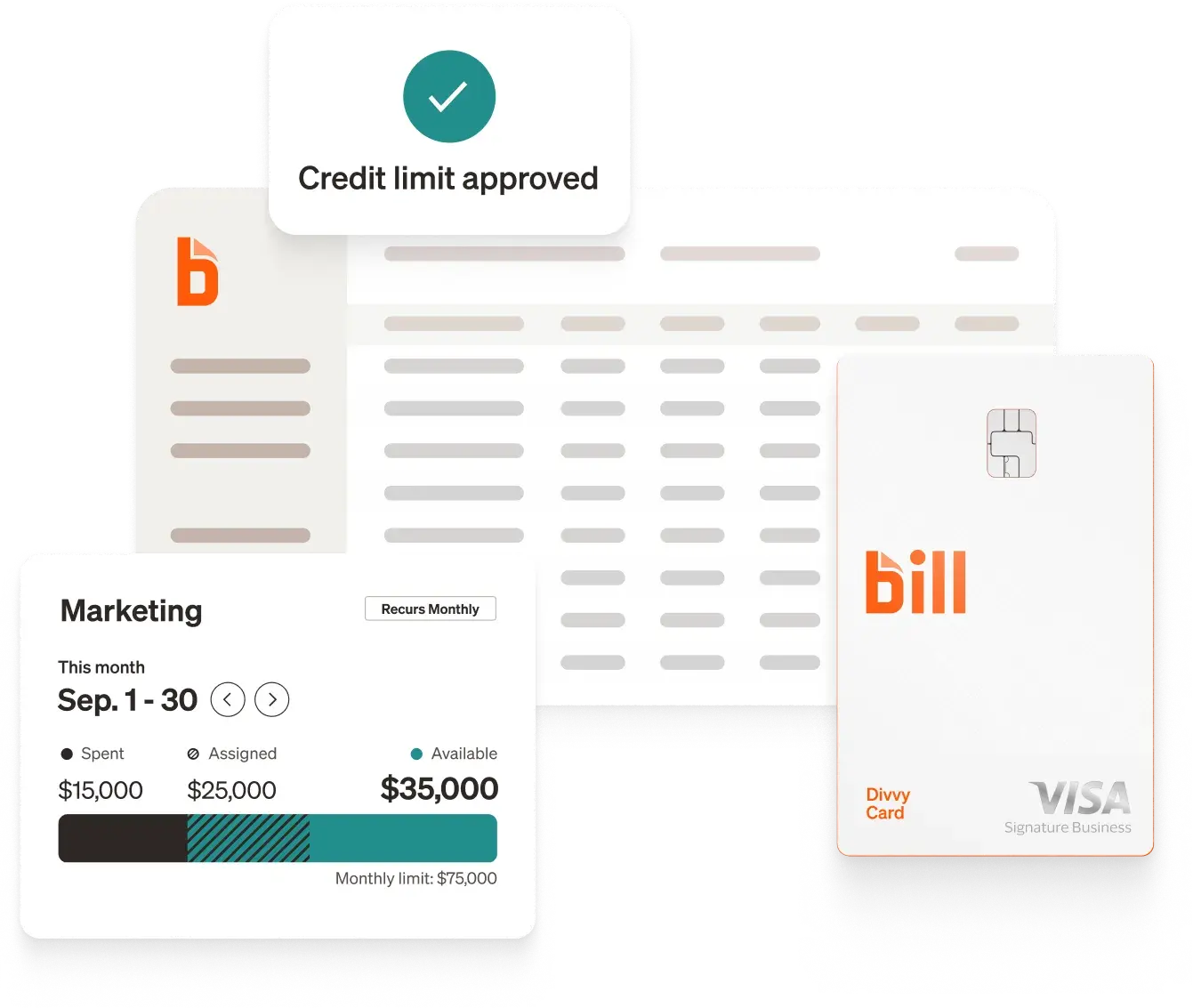
BILL is the best receipt capture software for businesses in 2026, combining automated capture, flexible submission options, and deep accounting integrations in one platform. If you're evaluating alternatives, this guide breaks down the leading tools by features, pricing, and integrations, so you can confirm the right fit for how your business actually spends.
At-a-glance comparison table
*Pricing and features are based on publicly available information as of October 2026 and may change. Always confirm details with each provider.
How we chose the best receipt capture software†
In this list, we considered receipt capture tools based on:
- Capture methods. Mobile photo, email forwarding, text message, desktop upload, mail-in scanning, and automatic import from integrations.
- What happens after capture. Data extraction, coding, matching to card transactions, approval routing, and sync to accounting software.
- Total cost of ownership. Published pricing where available, plus per-document, per-user, or per-report charges that change the math at volume.
- Fit for different business types. From solo operators and bookkeeping practices to mid-size companies and global enterprises.
Our top picks for 2026
{{listicle-receipt-capture="listicle"}}
Key questions about receipt capture software
What is receipt capture software?
Receipt capture software converts a receipt—paper, emailed, or generated by an app—into a structured digital record. Optical character recognition and AI read fields like merchant, date, total, and tax off the image, then turn them into a transaction that can be categorized, approved, and stored.
The scope varies widely. Some products focus on extraction alone and expose it through an API. Others attach capture to a broader workflow: expense reports, approvals, corporate cards, budgets, and a sync into accounting software. A few will process physical mail on your behalf. The right scope depends on where your receipts originate and what has to happen to them afterward.
How does receipt capture software work?
- Capture: A receipt enters the system by mobile photo, email forwarding, text message, desktop upload, automatic import from an integration, or physical mail-in scanning.
- Extraction: OCR and AI read the fields off the image—typically merchant, date, total, and tax, and in some products every line item.
- Coding and categorization: The extracted data is assigned to an account, category, department, or project, either by rules, by learned behavior, or automatically.
- Matching: The receipt is paired with the corresponding card transaction or bank feed entry so the same expense isn't recorded twice.
- Approval: Where a workflow exists, the expense routes to an approver, with policy checks applied along the way.
- Sync and storage: The record moves into accounting software with the original image attached, creating an audit trail you can search later.
What features should you look for in receipt capture software?
- Multiple capture methods: Mobile photo, email forwarding, and automatic import matter more than any single one, because receipts arrive in different formats.
- Extraction depth: Decide whether header fields (merchant, date, total) are enough, or whether you need line-item detail for job costing or inventory.
- Transaction matching: Automatic pairing of receipts to card or bank transactions prevents duplicates and removes a manual reconciliation step.
- Coding automation: Rules that learn your categorization, or AI that codes accounting fields directly, cut the work that remains after extraction.
- Accounting integrations: Native sync with your accounting system—rather than CSV export—keeps the general ledger current.
- Audit trail: The original image stored alongside the extracted data, with approval history, is what makes records defensible later.
- Pricing model fit: Per-user, per-document, per-report, and flat-rate models produce very different totals depending on your headcount and volume.
How much does receipt capture software cost?
Receipt capture pricing follows several different models:
- No per-user software fee: BILL Spend & Expense is $0 per user per month, with no subscription or per-user software fees. [3]
- Per-user subscriptions start at $5 per member/month with Expensify Collect [6] and $19.99 per active user/month with Veryfi's expense app. [18]
- Flat monthly pricing is used by Hubdoc at $12/month. [16]
- Document- or credit-based pricing is used by AutoEntry, starting at $13/month excl. VAT for 50 credits [12], and by Dext at $25.21/month for 250 documents and 5 users. [7]
- Per-report pricing is used by SAP Concur, starting at $7 per report on the Base plan. [9]
- Scan allowances with overages are used by Shoeboxed, starting at $9/month with per-scan rates beyond the included amounts. [14]
Benefits of receipt capture software
Less manual data entry: Extraction removes the keying step, and products that also code accounting fields remove that manual step as well. BILL's AI codes every accounting field and even writes your memos, for less manual entry, improved accuracy, and a faster close. [1]
Fewer lost receipts: When capture happens at the moment of purchase rather than at month-end, the receipt doesn't have to survive a pocket or a glovebox. Several products in this list also accept email forwarding, and BILL captures receipts from integrations, so digital receipts never need to be printed. [1][5][11]
Cleaner month-end close: Receipts matched to transactions and synced automatically mean reconciliation isn't a separate project. BILL Spend & Expense replaces end-of-month chaos and paper chasing with real-time insights and AI-powered auto-categorization. [1]
Audit-ready records: Storing the original image alongside the extracted data, with approval history attached, produces documentation you can retrieve later. Every BILL transaction includes receipts, notes, and approval history, creating a complete audit trail. [1]
Spend visibility while it still matters: Capture tied to live transactions shows finance what was spent as it happens rather than weeks later, which is what makes budget controls useful instead of retrospective. [1]
How to choose the right receipt capture software for your business
Conclusion
For small and mid-size businesses that want receipt capture to be a byproduct of spending rather than a separate chore, BILL Spend & Expense pairs the BILL Divvy Card with AI-powered receipt capture, matching, and transaction coding at $0 per user per month—with budgets, spend controls, and two-way accounting sync in the same platform. [1][2][3]
†Important disclosures:
- This article is for informational purposes only and is based on our review of publicly available information from each provider's website as of October 2026.
- We did not independently test or audit every feature described. Actual performance and suitability will vary by business.
- Inclusion in this list does not constitute an endorsement, recommendation, or guarantee of results. Evaluate each solution against your own requirements and risk standards.
- BILL is our own product. We include it here using the same evaluation criteria as other providers. This article is published by BILL.
References
[1] BILL. Expense Management Software - BILL Spend & Expense.
[2] BILL. Fast & Flexible Business Credit | BILL Spend & Expense. "With credit lines from $1000-5M,¹ the BILL Divvy Card² makes it easy to access the funding you need, no matter the size of your business. Apply for a credit line through a simple online application and start spending smarter." "You can empower each and every employee with their own BILL Divvy Card. Every card is linked to proactive spend controls where you call the shots." "¹Credit lines and the advertised range are not guaranteed and will be determined upon application approval." "²The BILL Divvy Card may be issued by one of Divvy Pay, LLC’s bank partners. The BILL Divvy Card is not a deposit product. For your specific lender, see your Card Agreement."
[3] BILL. Pricing & Plans | BILL.
[4] Expensify. Expensify.
[5] Expensify. Receipt Scanning App | Scan & Organize Receipts | Expensify.
[6] Expensify. Expensify - Pricing.
[7] Dext. Receipt Scanner App That Reads Every Line | Dext.
[8] Dext. Expense management software | Dext.
[9] SAP Concur. Business Expense Management Software + Automation | SAP Concur US.
[10] SAP Concur. SAP Concur Mobile App: Business Expense + Travel Management | SAP Concur US.
[11] AutoEntry. Automated Receipt OCR Software for Accountants and Bookkeepers | AutoEntry.
[12] AutoEntry. Automate Data Entry to your Accounting Software | AutoEntry.
[13] Shoeboxed. #1 Receipt Scanner App & Free Mileage Tracker | Shoeboxed.
[14] Shoeboxed. Receipt Scanning & Mileage Tracking Plans | Shoeboxed.
[15] Hubdoc. Document & Data Capture Software | Hubdoc.
[16] Hubdoc. Pricing | Hubdoc.
[17] Veryfi. Spend Management & Receipts OCR App by Veryfi.
[18] Veryfi. Expense Management App Pricing for Businesses & Employees | Veryfi.