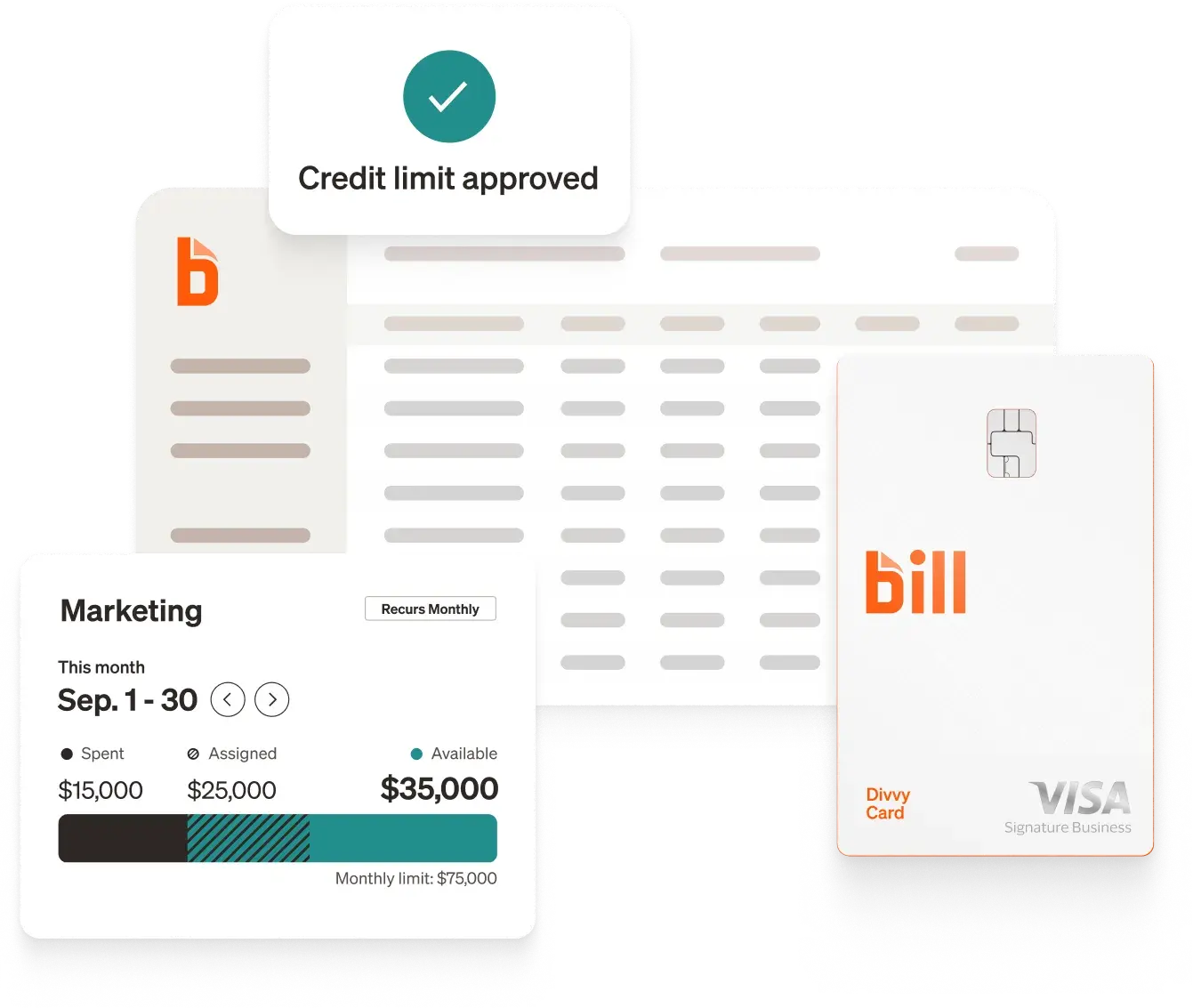
Automated expense reporting replaces manual receipt collection, email approval chains, and month-end reconciliation with software that captures spend at the point of purchase, enforces your policy in real time, and syncs approved transactions directly to your accounting system. The result is a finance team that closes faster, catches policy violations before they compound, and stops spending hours chasing employees for receipts they may not have kept.
Why manual expense reporting holds finance teams back
The manual expense process fails in a predictable sequence. Employees make purchases and forget to submit receipts. Managers rubber-stamp approvals without reviewing GL codes. Finance reconstructs everything at month-end from incomplete data. The books get closed late, inaccurately, or both.
The underlying problem isn't discipline. It's design. A process that asks employees to remember, collect, and submit receipts days after the fact is built to fail. And the costs go beyond the labor of processing each report.
- Visibility gaps. Without real-time data, finance managers react to spending after it happens instead of managing it as it occurs.
- Policy leakage. When enforcement depends on a human reviewer catching violations after the fact, non-compliant spend gets through routinely.
- Month-end crunch. Manual reconciliation compresses your close into a stressful sprint instead of a steady process.
87% of BILL customers surveyed agree that using BILL saves a significant amount of time compared to their previous process.[1] And 84% agree that BILL has eliminated hours of manual work from their weekly routine.[2] For most finance teams, that time is concentrated in the same recurring bottlenecks: chasing employees, fixing incorrect codes, and reconciling at month-end.
How automated expense reporting works
Before you set anything up, it's worth understanding the transaction lifecycle. Automation works because it handles each stage of the expense process systematically, not as a series of tasks someone has to remember to do.
1. Capture at the point of purchase
When an employee swipes a corporate card, the transaction is logged immediately. No receipt collection required afterward. Digital receipts from vendors can be auto-matched; physical receipts are captured via mobile photo with OCR extracting the merchant, amount, date, and category.
2. Real-time policy checks
The system evaluates each transaction against your spending rules the moment it happens: amount limits, category restrictions, merchant controls, and department-level budgets. Violations are flagged or blocked before they enter an approval queue, not after an approver sees them.
3. Automated approval routing
Expenses route to the right approver based on your configured logic: amount threshold, category, department, or project. A routine, in-policy expense flows through. An out-of-threshold purchase escalates to finance. Approvers see only what needs a decision.
4. Accounting sync
Approved transactions sync to your accounting system with the correct GL codes, following your chart-of-accounts mapping. No manual export, no re-entry, no batch upload at month-end.
5. Reporting and visibility
Finance managers see spend by employee, vendor, category, and department in real time. Budget owners know where they stand without waiting for a monthly report.
Each stage hands off to the next. The manual process asks people to move the work forward. An automated process moves itself.
7 steps to automate expense reporting
Step 1: Audit your current process before you change it
The most common automation mistake is replicating a broken manual process in software. Before you configure anything, map what's actually happening:
- How do employees submit expenses today (paper, email, spreadsheet)?
- Where do approvals consistently get delayed?
- What percentage of expense reports arrive late or missing receipts?
- How long does reconciliation take after the reporting window closes?
Most teams surface the same pressure points: late receipts, miscoded categories, approval delays, and manual data entry into the accounting system. Knowing which of these costs you the most time tells you where to target automation first.
Step 2: Write your expense policy before you configure your software
Automation enforces rules. If your rules aren't defined, your software has nothing to enforce. Document your policy before touching configuration:
- Spending limits by category and role. A $150 cap on meals means something different for a sales director traveling five days a week than for an intern making one work lunch purchase. Set limits that reflect both the expense category and the employee's role.
- Pre-approval requirements. Decide which categories require sign-off before the purchase, not after. Travel above a threshold, software subscriptions, and client entertainment are common candidates for pre-approval.
- Receipt thresholds. Define the minimum purchase amount requiring a receipt. Common standard: $25 or more.
- Submission deadlines. Set a firm number of days from purchase to submission. Without a deadline, "when I get around to it" becomes the default.
- Consequences for non-compliance. A policy without enforcement isn't a policy. Decide what happens when employees miss the deadline or submit incorrect codes, and make sure the software can enforce it automatically.
Step 3: Evaluate software on what matters, not just features
Every expense management platform lists receipt capture, approval workflows, and accounting integrations as features. The differentiators are in how well each one works and how much configuration is required to make them work for your specific process.
Evaluate on these criteria:
BILL Spend & Expense is an all-in-one expense management solution that combines corporate cards with configurable controls, approval workflows, and real-time reporting. 91% of BILL customers surveyed agree that BILL makes them more efficient.[3]
BILL integrates natively with leading accounting software including QuickBooks, Xero, Oracle NetSuite, Sage Intacct, and Microsoft Dynamics.
Step 4: Issue corporate cards and eliminate paper receipts
Giving every employee a corporate card is the highest-leverage change you can make to your expense process. When spending happens on a card connected to your expense platform, the transaction is captured the moment it occurs. There's nothing to collect later.
With BILL corporate cards, you can set per-card spending limits, restrict purchases to specific merchant categories, and require employees to code transactions within a defined window. If they don't comply, the card can be frozen until they do. No manual follow-up required from your finance team.
The Utah Jazz's 15-person finance team was spending up to 10 hours a week tracking down employees for expense reports. After issuing BILL Divvy Cards* to their 600 employees, the team eliminated that chase entirely. Employees code transactions within seven days or their cards are frozen. "We had a full day that we would just focus on payments," said the team's Accounts Payable Manager. "Now, within 5 minutes, I can get them all taken care of." (See the Utah Jazz story)
Step 5: Configure approval workflows with exception-only routing
Approvers shouldn't be reviewing every $35 lunch receipt. Configure your workflows so routine, in-policy expenses flow through with minimal friction, and approvers only see exceptions.
A practical tiered structure for most teams:
- Under a defined threshold, fully coded, in-policy: auto-approve and sync
- Above threshold or specific categories: route to department lead
- High-value or out-of-policy: escalate to finance or a VP-level approver
With BILL's approval features, push notifications and one-click approvals let budget owners act from their phone without logging in. The goal is that approving a routine expense takes under 30 seconds, or approvers become a bottleneck rather than a control.
Step 6: Integrate with your accounting system for real-time sync
Every manual data-transfer step between your expense platform and your accounting system is a point of failure. Set up a native, bidirectional integration that pushes approved transactions to your ERP with the correct GL codes pre-applied.
With a direct sync, your chart of accounts, vendor data, and transaction history stay consistent across systems. Month-end close reflects actual spend as it happened, not estimates reconstructed after the fact.
87% of BILL customers surveyed agree that BILL helps them reduce errors.[4] When coding happens at the point of purchase and syncs automatically to your accounting system, the reconciliation that used to consume days becomes a fraction of the work.
If your team uses QuickBooks or NetSuite, BILL's native integrations are bidirectional, meaning vendor lists, categories, and approval data stay in sync across both systems.
Step 7: Launch with clear expectations and enforce from day one
Most compliance problems emerge in the first 30 days and resolve quickly when rules are applied consistently from the start. A short, practical launch beats a long training program.
- Day-one card onboarding. Every employee should activate their card and set up the mobile app before their first purchase. A five-minute onboarding is far easier than fixing six months of uncoded transactions.
- One clear reference for employees. Publish your expense policy in one place and make sure every employee knows where it is. Ambiguity about where to find the rules is its own compliance problem.
- Enforce the deadline without exceptions early on. If your policy says expenses must be coded within seven days and cards are frozen after that, enforce it from day one, for everyone. Exceptions create the impression that the rule is negotiable, and exceptions compound.
How AI is changing expense management
Rules-based expense automation handles the predictable. AI handles the rest.
A static rule can block a purchase above a dollar threshold or flag a merchant category. What it can't do is recognize that a $450 restaurant charge looks like a legitimate client dinner for one team but is an anomaly for another, or that the same vendor name has appeared in duplicate submissions three times this quarter.
BILL's AI processes data at a scale that makes pattern recognition practical: BILL AI extracts data from about 220,000 documents every day.[5] At that volume, the system learns what normal looks like across your organization and surfaces what doesn't fit.
- Intelligent receipt capture. AI-powered OCR extracts merchant name, amount, date, and category from receipts with high accuracy, reducing the manual review needed for ambiguous or low-quality images.
- Anomaly detection and fraud prevention. AI surfaces unusual spend patterns that rigid rules miss: duplicate submissions across time periods, vendor charges that don't match historical amounts, and expense splitting designed to stay below approval thresholds. In FY25, BILL's AI defenses stopped over 8 million attempted fraud attacks.[6]
- Predictive GL coding. The system learns from your coding history and suggests the correct general ledger code for each transaction as it arrives, reducing the manual classification work that typically falls on your accounting team during close.
This is where AI-powered expense management pulls ahead of digitized manual processes: it doesn't just move the paperwork faster, it catches what a human reviewer would miss and gets smarter over time.
Best practices for lasting compliance
Setting up automation is the beginning. These practices determine whether your process stays tight six months later.
- Set spending rules by category and role, not just dollar amount. A single dollar threshold applied to all spend misses context. A $500 software purchase and a $500 client dinner carry different risk profiles. Configure category-level limits combined with role-based permissions to give finance granular control without creating approval bottlenecks for routine spend.
- Build your audit trail from day one. Retroactively reconstructing an audit trail for an expense question or a compliance review is expensive and unreliable. Configure your platform to log every action from the start: submission timestamp, policy check result, approval decision, and accounting sync confirmation.
- Handle multi-currency with explicit written rules. Multi-currency reimbursement is often the first failure point when teams expand internationally. Define the conversion rate source, set the reimbursement currency per employee or region, and put it in the policy document. Employees should know the rate they'll receive before they spend.
- Train approvers to handle exceptions, not every transaction. If you've configured exception-only routing but approvers are still reviewing every small receipt, the workflow isn't set up correctly. Approvers should act on flagged items only, with a clear expectation: approve with a note, reject with a reason, or escalate. Everything else should flow through without a decision.
- Review your compliance metrics monthly, not quarterly. Policy compliance issues that go unaddressed for three months take three months to undo. A monthly review of submission rates, exception volume, and close time keeps problems surfacing when they're still small.
How to measure whether your automation is working
Track these metrics monthly once your system is live:
- Expense submission rate within deadline. The percentage of expenses coded within your required window. This is your leading indicator. When it drops, you'll find a problem in a specific team or workflow before it affects close.
- Average time from purchase to approval. Measures the end-to-end latency of your expense process. A healthy automated process gets most expenses through in under 48 hours.
- Policy exception volume by team. Which teams are generating the most out-of-policy spend? A spike in one department usually points to a specific manager, a newly issued card, or a category where the rules need clarifying.
- Month-end close time. The output metric. If your automation is working, your close time should shorten measurably within the first two quarters. If it doesn't, there's a gap in your sync configuration or your GL coding accuracy.
BILL's reporting and insights give controllers a live view of spend by person, vendor, and category, with budget management tools that surface anomalies before they become close-cycle problems.
As of September 30, 2025, nearly half a million businesses use BILL to help automate their financial operations.[7]
How does BILL automates expense reporting
BILL Spend & Expense is an all-in-one platform that covers every stage of the expense process, from the moment an employee makes a purchase to the moment it lands in your books, without requiring your finance team to chase anyone or manually move data between systems.
Here's how it works end-to-end:
Corporate cards with built-in controls
Every employee gets a BILL Divvy Card* with spending limits, merchant category restrictions, and budget controls configured by your finance team before the card is ever used. Spend is controlled at the point of purchase, not reviewed after the fact.
Mobile receipt capture
When an employee makes a purchase, they receive an automatic notification to submit a receipt. They snap a photo from the BILL mobile app, and OCR pulls the merchant, amount, date, and category without manual entry. Employees who miss the submission window have their cards frozen until they're current. No follow-up emails required from finance.
Real-time policy enforcement
BILL evaluates every transaction against your configured spending rules the moment it occurs. Out-of-policy purchases are flagged or blocked before they enter the approval queue. Your team sees exceptions, not a stack of routine receipts to rubber-stamp.
Configurable approval workflows
Route expenses by amount, category, department, or project with multi-level escalation built in. Budget owners approve with a single tap from their phone via push notification. Routine, in-policy expenses can flow straight through without requiring a decision.
Direct sync to your accounting system
Approved transactions sync to QuickBooks, NetSuite, Xero, Sage Intacct, or Microsoft Dynamics with the correct GL codes pre-applied, following your chart-of-accounts mapping. There's no manual export, no batch upload, and no re-entry at month-end.
Real-time reporting and budget visibility
Finance managers and controllers get a live view of spend by employee, vendor, category, and department at any time, not just after close. BILL's reporting and insights and budget management tools surface anomalies before they become close-cycle problems.
AI-powered accuracy
BILL's AI learns your coding patterns, suggests the correct GL code for each transaction, and flags unusual spend before an approver sees it. In FY25, BILL's AI defenses stopped over 8 million attempted fraud attacks.[8]
The result is that your finance team closes faster, your employees spend less time on administrative tasks, and your books reflect what actually happened, not a reconstruction assembled at month-end. 91% of BILL customers surveyed agree that BILL makes them more efficient,[3] and 87% agree that BILL helps them reduce errors.[4]
Disclosures
[1] Based on a 2026 BILL survey sent to customers.
[2] Based on a 2026 BILL survey sent to customers.
[3] Based on a 2026 BILL survey sent to customers.
[4] Based on a 2026 BILL survey sent to customers.
[5] AI narrative document.
[6] BILL internal risk management data for FY25.
[7] FY2026 Q1 investor deck (Nov 2025).
[8] BILL internal risk management data for FY25.
*The BILL Divvy Card may be issued by one of Divvy Pay, LLC's bank partners (bill.com/bank-partners). The BILL Divvy Card is not a deposit product. For your specific lender, see your Card Agreement.
BILL and its affiliates do not provide tax, legal or accounting advice. This material has been prepared for informational purposes only, and is not intended to provide, and should not be relied on, for tax, legal or accounting advice. You should consult your own tax, legal and accounting advisors before engaging in any transaction. BILL assumes no responsibility for any inaccuracies or inconsistencies in the content. While BILL has made every attempt to ensure that the information contained in this site has been obtained from reliable sources, BILL is not responsible for any errors or omissions, or for the results obtained from the use of this information. All information in this site is provided "as is", with no guarantee of completeness, accuracy, timeliness or of the results obtained from the use of this information, and without warranty of any kind, express or implied. In no event shall BILL, its affiliates or parent company, or the directors, officers, agents or employees thereof, be liable to you or anyone else for any decision made or action taken in reliance on the information in this site or for any consequential, special or similar damages, even if advised of the possibility of such damages.