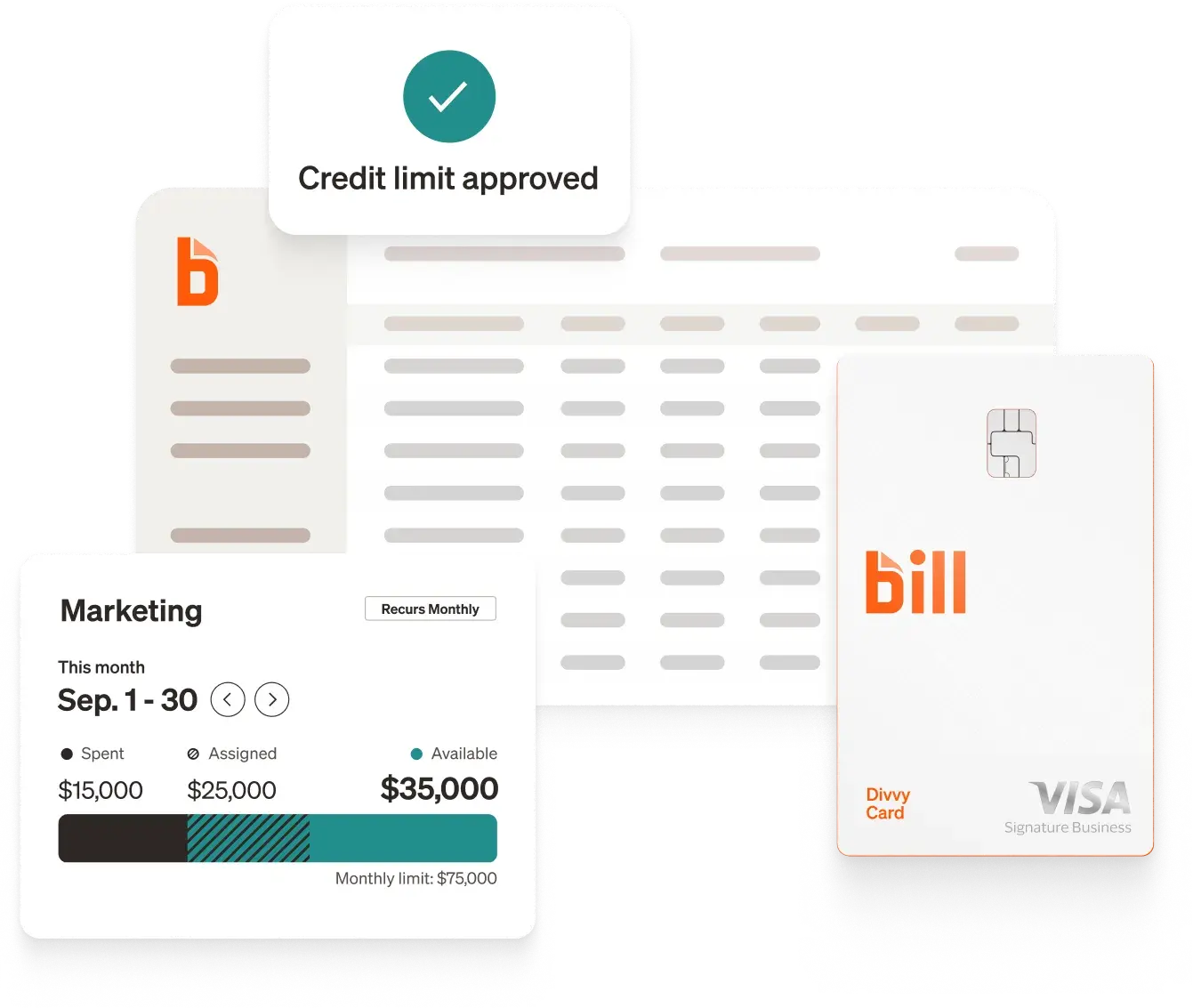
Quick answer: BILL is the top-rated financial operations platform built for scaling businesses. Beyond spend management and flexible credit lines, BILL offers seamless, end-to-end AP and AR automation to streamline your entire cash flow. Plus, unlike competitors that reserve live help for high-tier enterprise accounts, BILL provides real human support on all plans so you’re never left stranded.
Ramp alternatives at a glance†
Pricing and ratings are based on publicly available information as of September 30, 2026, and may change. Confirm details with each provider.
Top Ramp alternatives for 2026
1. BILL
BILL emerges as the top-rated comprehensive platform for managing accounts payables, receivables, and expenses. Combining mature AP automation with built-in Spend & Expense tools, BILL delivers a predictable and scalable financial infrastructure.
What customers say about BILL on G2
While Ramp users frequently report frustration with unpredictable credit limits and unresponsive customer service, real-world feedback from verified G2 users highlights how BILL provides the reliability, control, and dedicated support that growing finance teams need. Rather than dealing with unexpected card declines or long support queues, finance teams rely on BILL to streamline their day-to-day operations and scale with confidence:
- Predictable Budgeting & Spend Control: One of the biggest pain points reported by Ramp users is the constant uncertainty around credit caps and manual reimbursement tracking. BILL solves this by providing clear, real-time visibility into monthly spend, as one verified Mid-Market User noted on G2:
- "Always knowing my budget, balance, expenses, and spend forecast for the month without having to mess with reimbursements and manual expense reports saves a lot of time."
- Real-Time Card Management & Visibility: To prevent the field employee card declines often cited in Ramp reviews, BILL allows admins to issue virtual and physical corporate cards instantly while setting strict pre-spend limits. A verified Small Business User on G2 validated this approach, sharing:
- "I love that each employee gets a company card so I don't have to constantly ask for funds. I love the virtual cards and seeing how much is being spent in real time."
- Seamless Migration & Responsive Human Support: Unlike Ramp's reliance on automated bots and ticket delays for free-tier users, BILL provides accessible, hands-on support across all plans. An Accounting & Payroll Specialist reviewing BILL on G2 confirmed the value of this human touch, writing:
- "Switching was seamless and free. It has saved us dozens of hours each month, improved accountability, and made expense tracking completely painless. Their people and customer service are top notch."
Detailed Comparison: BILL vs. Ramp
2. Stampli
Best for: Mid-market to enterprise companies needing collaborative, ERP-centric accounts payable.[13]
Key features: AI assistant (Billy the Bot) streamlines invoice processing;[13] native ERP integrations; pre-cleared communication channels directly on invoice workflows.[15]
Pricing: Custom quote-based.[14]
3. Melio
Best for: Small businesses looking for simple, intuitive bill payments.[16]
Key features: Easy invoice capture, approval workflows, card-to-ACH payment capabilities, and no monthly software fee for baseline usage.[16] See our guide to the best accounts payable software for a broader comparison.
Pricing: $0/month base subscription; pay-per-transaction for premium routing.[17]
4. Expensify
Best for: Small to mid-market teams seeking flexible expense reporting and corporate card integration.[18]
Key features: SmartScan receipt processing, customizable approval rules, corporate travel expense management,[19] and integrations with more than 10,000 banking institutions.[18] See our roundup of the best expense management software for how Expensify compares.
Pricing: Starts from $5 per user per month.[18]
5. Zoho Expense
Best for: Budget-conscious teams requiring configurable expense workflows.[20]
Key features: Automated receipt scanning, per-diem management, mileage tracking, travel and expense (T&E) management,[21] and native connection to the Zoho business software stack.[20]
Pricing: Free tier available for up to 3 users; paid plans start from $4 per user per month.[22]
6. SAP Concur
Best for: Global enterprises requiring extensive travel, spend, and compliance governance.[23]
Key features: Complex policy controls, modular expense tools, automated expense reporting workflows connected to travel booking,[24] and more than 300 ERP and travel integrations.[25]
Pricing: Enterprise quote-based.[23]
Why are businesses looking for Ramp alternatives?
Real-world user feedback on G2 surfaces three recurring pain points that directly impact day-to-day operations.[5]
1. Fluctuating and suddenly revoked credit limits
Some concerns were raised in negative G2 reviews focused on Ramp's dynamic credit model. Because credit limits are tied to live bank balances, standard operating cash fluctuations can trigger abrupt reductions with no advance warning.[5]
Ramp G2 user feedback examples:
- Unannounced credit slash: A small-business user reported on G2 that after posting a payment, Ramp reduced their credit limit to zero without prior notice. Field employees attempting to use cards for daily operational expenses found them declined, despite the account holding six-figure checking balances.[5]
- Floating limits disrupting cash flow: A software company reviewer noted on G2 that after using cash reserves to close a business transaction, their credit limit was cut by more than 80%. Because Ramp did not communicate that limits fluctuate daily with cash balances, predictable cash flow management became difficult.[5]
- High deposit requirements: A commercial real estate user reported on G2 that Ramp's requirement to maintain high cash balances — often around $250,000 — creates unnecessary strain on small businesses that need flexible capital.[5]
2. Poor customer support and delayed processing
G2 user feedback examples:
- No live support channels: A verified G2 reviewer described Ramp's support as "the WORST," citing multi-day response times and no accessible phone or live chat — leaving teams reliant on automated bots.[5]
- Extended payment holds: Another G2 review noted that while funds clear the company bank account within 24 hours, Ramp can take a week or more to reflect cleared payments, temporarily freezing available credit.[5]
3. Misleading marketing and technical workarounds
Ramp G2 user feedback examples:
- Unfulfilled sales promotions: A small-business CEO detailed on G2 how sales reps offered gift card incentives for booking a demo, only to withhold the incentive post-call while pushing for immediate sign-up.[5]
- Manual sync workarounds: Mid-market account administrators report on G2 that bulk updates for transactional attributes — such as location tags or recurring vendor coding — require repetitive manual entry, creating friction when connecting to ERPs like NetSuite or QuickBooks.[5]
Frequently asked questions: Ramp vs. BILL
How does BILL pricing compare to Ramp, and what will I actually pay?
BILL Spend & Expense is free to use software[1] with no per-user subscription fee — including budget controls, card creation, expense tracking, and ERP integrations. BILL AP/AR plans start around $45–55 per user per month (Essentials/Team tiers), plus standard transactional fees. See BILL's current pricing page for the latest rates.
Ramp offers a free basic tier offset by interchange fees; advanced features like NetSuite and Sage Intacct integrations, auto-lock, and multi-entity support require Ramp Plus at $12–15 per user per month, plus additional platform fees.[5] However, Ramp does not offer accounts receivable management.
How deep is BILL integration with different ERP compared to Ramp?
BILL provides two-way sync integrations with QuickBooks, NetSuite, Xero, Sage Intacct, and more, automatically syncing vendors, POs, item receipts, multi-line GL accounts, and payment statuses — at no extra cost for any tier. BILL provides two-way integrations for 100% of the highly rated ERP and accounting platforms used by growing companies.[9]
Ramp connects to ERPs, but G2 reviewers report friction when pairing pre-existing bills from QuickBooks or NetSuite, often requiring manual adjustments for vendor creation or location tagging.[5]
Can BILL or Ramp handle both AP/AR automation and spend & expense management as one unified platform?
Yes. BILL combines BILL AP/AR with BILL Spend & Expense in one connected system. Users manage corporate cards, budget enforcement, vendor invoice routing, approval workflows, and customer invoicing without switching tools or logins.
Ramp has no native AR product; customers needing accounts receivable must use a separate platform.
How does BILL determine business credit line?
BILL evaluates overall financial health, credit history, and cash flow using multiple underwriting criteria to establish a credit line.[3] This approach differs from Ramp's model, which ties limits closely to the live balance in a connected bank account — causing limits to swing day-to-day or drop after large disbursements.[5]
What's BILL's rewards rate, and does it beat Ramp's?
BILL offers up to 7x points on select categories[6] redeemable for statement credits, travel, or cash back. Ramp offers flat 1.5% cashback. Teams spending heavily on dining or travel may see higher returns with BILL's tiered structure, though individual results vary.[6]
What does support look like with Ramp vs. BILL?
Ramp free-tier customers rely primarily on automated bots and email queues; live support is gated to paid tiers per G2 reviewer feedback.[5]
BILL provides phone and live chat support across plans, along with guided onboarding assistance for qualifying accounts.
Is BILL's interface as modern and easy to use as Ramp's?
Yes. BILL's Spend & Expense app features a modern, mobile-first design. Employees can issue virtual cards, upload receipts via smartphone, and request budget increases in seconds. 93% of customers surveyed agree that BILL is easy to use.[2]
Does BILL match Ramp's AP automation capabilities — OCR accuracy, invoice line limits, and exception handling?
BILL's AI-driven Invoice Coding Agent parses complex, multi-line invoices and maps line items to specific GL accounts based on historical vendor data and purchase orders. The agent reduces the steps needed to code a multi-line invoice bill by 89% compared to a manual process.[8]
Ramp features high-accuracy OCR, but G2 users report that multi-line invoices requiring distinct GL codes across departments still require manual review and re-coding.[5]
How hard is it to switch from Ramp to BILL?
Not at all. Basic setup for BILL Spend & Expense typically takes 1–2 business days. Full AP/AR sync with ERPs generally takes under two weeks. BILL offers guided white-glove onboarding for eligible accounts, covering accounting software connections, approval policies, card issuance, and parallel testing prior to cutover.
Should businesses choose BILL over Ramp?
While Ramp offers an accessible starting point for simple expense tracking, its fluctuating credit limits, delayed customer support, and rigid cash-balance requirements introduce unnecessary risk for operating businesses.
For companies seeking spend and expense management, predictable credit lines, AP and AR automation in one platform, deep ERP integrations, and responsive human support, BILL is a reliable and comprehensive alternative. Explore BILL Spend & Expense or BILL Accounts Payable to see how it fits your team.
Disclosures
[1] Free to use software refers to BILL Spend & Expense. Transaction fees may apply. See bill.com for details.
[2] Based on a 2026 BILL survey sent to customers.
[3] Eligibility for a BILL Spend & Expense account is subject to credit approval and underwriting. Credit lines and the advertised range are not guaranteed and will be determined upon application approval. Credit limits and terms, including rates and fees, may vary based on eligibility criteria.
[4] Source: G2 reviews for BILL AP/AR (g2.com/products/bill-ap-ar/reviews) and BILL seller profile (g2.com/sellers/bill-previously-bill-com). Reviews reflect individual user experiences and may not represent outcomes typical for all customers.
[5] Source: G2 reviews for Ramp Financial (g2.com/products/ramp-financial-ramp/reviews) and Ramp marketing materials. Comparison based on competitive analysis as of September 2026. Product capabilities are subject to change; verify current details directly with each vendor.
[6] Individual results vary. Typical annual rewards are calculated following the BILL billing cycle.
[7] BILL International Payments supports 137 countries and 106 currencies. Subject to restrictions.
[8] Based on BILL's analysis of processing a medium complexity bill; performance may vary.
[9] Based on G2's Accounting Software category rankings as of February 2026. "Highly rated" = top seven platforms with G2 score 4.0+, at least 800 user reviews.
[13] Stampli. AP Automation Platform. https://www.stampli.com/product/
[14] Stampli. Pricing. https://www.stampli.com/pricing/
[15] Stampli. Stress-Free Finance Operations. https://www.stampli.com/
[16] Melio. Business Payments Made Simple. https://meliopayments.com/
[17] Melio. Pricing. https://meliopayments.com/pricing/
[18] Expensify. Spend Management Software for Receipts & Expenses. https://www.expensify.com/
[19] Expensify. Corporate Travel Expense Management Software. https://use.expensify.com/resource-center/guides/best-corporate-travel-expense-management-software
[20] Zoho. Travel and Expense (T&E) Management. https://www.zoho.com/us/expense/
[21] Zoho. Travel and Expense Management Software. https://www.zoho.com/us/expense/travel-expense-reporting/
[22] Zoho. Pricing and Feature Comparison. https://www.zoho.com/us/expense/pricing
[23] SAP Concur. Business Expense Management Software + Automation. https://www.concur.com/products/concur-expense
[24] SAP Concur. How Concur Expense Works. https://www.concur.com/blog/article/how-concur-expense-works
[25] SAP Concur. Concur Integrations: Create a Connected Spending Solution. https://www.concur.com/integrations
This document presents information sourced from publicly available documentation as of August 24, 2026. Please note that terminology regarding features may vary among different vendors, potentially complicating direct comparisons. It is essential to acknowledge that modules and features are subject to ongoing updates. BILL is committed to diligently updating this document to accurately reflect any changes in the software landscape.
The BILL Divvy Card may be issued by one of Divvy Pay, LLC's bank partners (bill.com/bank-partners). The BILL Divvy Card is not a deposit product. For your specific lender, see your Card Agreement.
BILL and its affiliates do not provide tax, legal or accounting advice. This material has been prepared for informational purposes only, and is not intended to provide, and should not be relied on, for tax, legal or accounting advice. You should consult your own tax, legal and accounting advisors before engaging in any transaction. BILL assumes no responsibility for any inaccuracies or inconsistencies in the content. While BILL has made every attempt to ensure that the information contained in this site has been obtained from reliable sources, BILL is not responsible for any errors or omissions, or for the results obtained from the use of this information. All information in this site is provided "as is", with no guarantee of completeness, accuracy, timeliness or of the results obtained from the use of this information, and without warranty of any kind, express or implied. In no event shall BILL, its affiliates or parent company, or the directors, officers, agents or employees thereof, be liable to you or anyone else for any decision made or action taken in reliance on the information in this site or for any consequential, special or similar damages, even if advised of the possibility of such damages.