What is real-time expense tracking?
Real-time expense tracking is the practice of recording, coding, and checking company spending as it happens, rather than reconstructing it later. A purchase is made, the card issuer sends the transaction data to the expense system, and the system attaches the context finance needs: who spent the money, on what, against which budget, and with which receipt.
Traditional expense tracking relies on batch files, monthly statements, and employee-filed expense reports. By the time finance sees the data, the budget period may be nearly over. Real-time tracking moves the review earlier, while a department can still change course.
How the real-time process works
Four stages turn a card swipe into a reviewed, reportable record.
1. Transaction capture at the point of purchase
- The spend: An employee swipes a physical card, taps a mobile wallet, or enters a virtual card number for an online purchase.
- The signal: The merchant sends an authorization request through the card network to the issuing bank, which approves or declines it based on the card's limits and status. The decision comes back while the cardholder is still at the register or checkout page.
- The feed: Instead of waiting for a batch file or monthly statement, the card program passes the transaction data to the expense platform through a connected data route, often an API (application programming interface, a standard way for two systems to exchange data).
Because corporate cards carry their own limits, an out-of-policy purchase can be declined at this stage instead of being discovered afterward.
2. Data enrichment and categorization
- Cleaning and parsing: The software cleans the raw data stream and attaches the merchant name, exact amount, date, and time to each transaction.
- Merchant category codes: A merchant category code (MCC) is a four-digit code that card networks assign to describe what a merchant sells. The system maps the MCC, plus any custom rules, to general ledger (GL) codes, cost centers, or budget categories. The GL is the master record of a company's accounts. This is how teams categorize business expenses without retyping each one.
- Receipt matching: Optical character recognition (OCR) reads the text on a receipt photo, and AI pairs it with the matching charge. Employees can snap the photo in a mobile app while the receipt is still in hand. BILL AI extracts data from about 220,000 documents every day.[2]
Matching proof to the line item at this stage supports credit card reconciliation, because each charge already carries its documentation.
3. Live policy enforcement and compliance
- Automated rules: As the transaction logs, the platform checks it against company spending policies, merchant rules, and budget caps.
- Alerts: If a purchase exceeds a limit or looks unusual, the system flags the exception and can send a push notification to a manager. For virtual cards, an administrator can also pause or freeze the card.
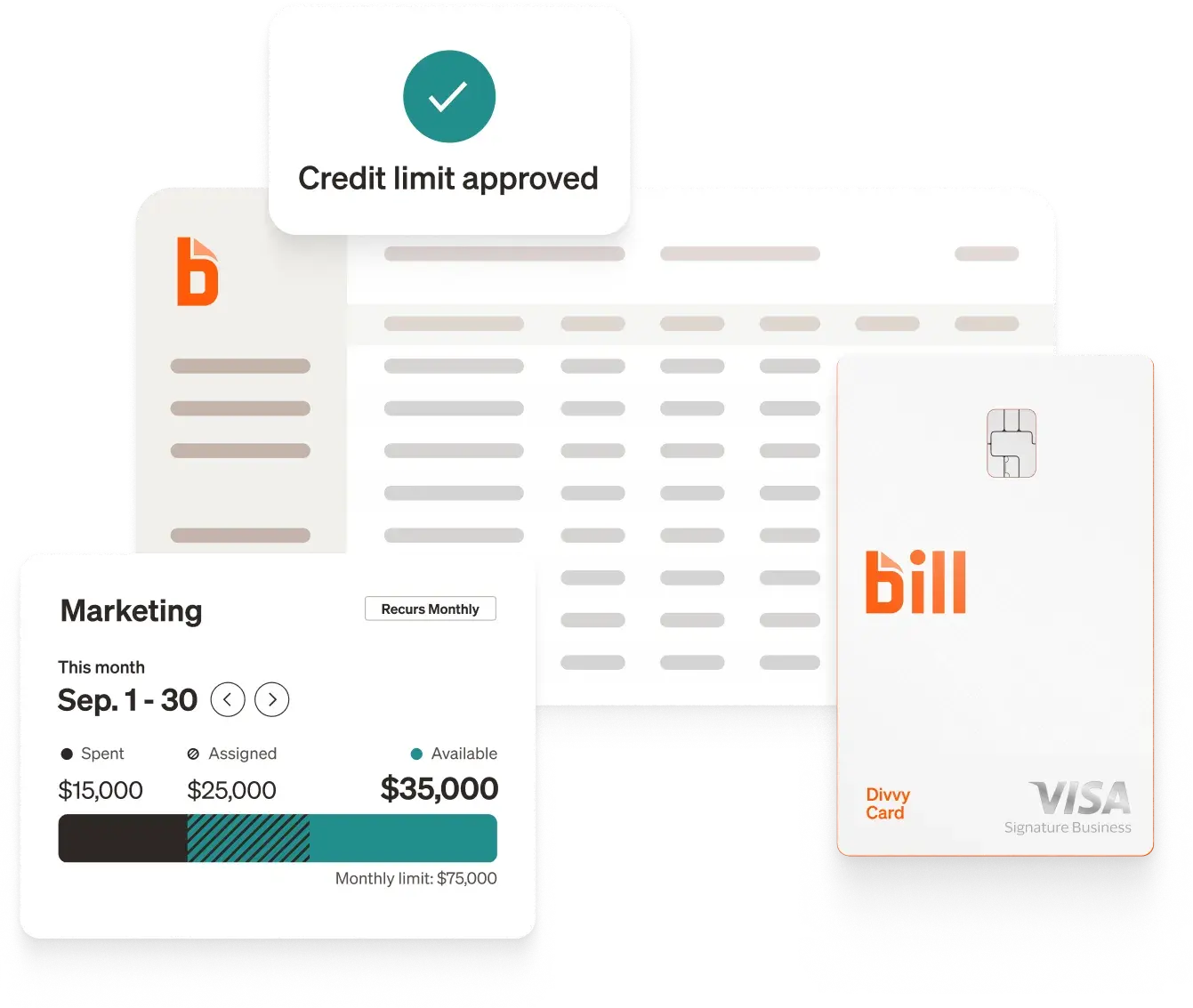
Spend controls set on the card itself, such as limits by employee, budget period, or merchant category, work alongside team budgets so that finance sets boundaries before spending starts. In a 2026 survey, 87% of customers surveyed agree that using BILL helps them reduce errors.[1]
4. Dynamic dashboard updates
- Real-time figures: Department burn rates, project budgets, and cash flow views refresh as transactions post. Spend reporting shows where money is going while there is still time to adjust.
- Automated reconciliation: Finance sees a finished record with a matched receipt rather than hunting for missing paperwork at month-end. Customers report spending 85% less time on GL reconciliations compared to non-customers.[3]
Coded, receipt-backed transactions can then flow to the ledger through accounting integrations, which removes a second round of data entry.
Saved reports, sharing, and exports: what to look for
Real-time data helps only if finance can reuse it. When evaluating any interactive expense reporting dashboard, check these capabilities:
- Saved reports and custom dashboards: Build a view once, such as spend by department or by merchant, and save it to a dashboard. A "save as new" option lets someone copy a report and edit the copy without changing the original.
- Role-based sharing: Confirm whether a shared report shows recipients their own data access or the sender's. Managers, department heads, and accountants often need different views of the same numbers.
- Scheduled exports: Emailed exports keep stakeholders informed without another login. Aggregated exports return totals and groupings; raw exports return row-level records, which auditors usually request.
- Spreadsheet import: Teams that still model in Excel benefit when report data can load directly, without copy and paste.
- Clear deletion rules: Check what happens to saved reports if a dashboard is deleted, and whether read-only shared dashboards can be copied.
Batch process vs. real-time process
Real-time tracking in practice for product businesses
Companies that sell physical products often watch cash closely, since inventory, advertising, and vendor costs move quickly. Drinkware company BrüMate is one example. Its CFO, Jarrod Cox, said that before BILL, "I used to spend an entire eight-hour day every month reconciling credit card statements and hunting down physical receipts." After adopting BILL Spend & Expense, Cox said the work of allocating spend went from days to "an hour or two a month," and that he has "real-time access to spend across departments, individuals. Direct access to receipts."
Product businesses also tend to run an ERP, a system that records orders, inventory, and accounts. BILL integrates with leading accounting software: QuickBooks, Xero, Oracle NetSuite, Sage Intacct, and Microsoft Dynamics.[4] See more BILL integrations.
For teams building a spending process from scratch, a business budgeting method and the types of business budgets give the dashboard something to measure against. Tracking spend as it happens also supports cash flow decisions, and business finance software can bring those views together. For deeper reading, see the guide on moving from fragmented spend to financial clarity.
What independent reviews say?
Third-party reviews offer a check on vendor claims. In a July 2026 spend management roundup, G2 listed BILL Spend & Expense first among seven picks and highlighted proactive budget enforcement. G2 reports a 4.5 out of 5 rating, a 91% rating for real-time capabilities, a 92% ease-of-use rating, and a 90% ease-of-setup rating.[5] G2 reviewers pointed to virtual cards, approval rules, and permissions that set limits before purchases happen.
The review was not one-sided. G2 noted that some reviewers still handle manual review for edge cases in receipt matching and categorization, and that highly customized approval structures can take longer to configure. Those are reasonable items to test during any evaluation.
From swipe to review: What the 4 stages add up to
Real-time expense tracking follows one path. A card purchase is authorized and passed to the expense platform, the data is cleaned and coded with merchant category codes and rules, receipts are matched with OCR and AI, policy checks flag exceptions as the transaction logs, and dashboards update so finance sees current figures. Saved reports, role-based sharing, and scheduled exports then put that data in front of the people who need it.
For product businesses watching cash closely, the payoff is a view of spend that is current enough to act on, with records ready for review. A practical first step is to list where month-end work piles up today, such as receipt chasing or coding corrections, and test any platform against that list.
Frequently asked questions
Does real-time expense tracking require a corporate card?
No, but cards make it much easier. Card transactions arrive with the merchant, amount, and date already attached, while out-of-pocket purchases depend on employees submitting an expense claim, which adds delay.
Many teams use cards for regular spend and reimbursements for exceptions. The reimbursed items then appear later than card activity, so it helps to know which share of spending each route covers.
How accurate is real-time expense data?
Accuracy depends on the data source and on human review. Card feed data comes from the issuer, so the amount, date, and merchant are typically reliable. Categorization is a starting point: a merchant category code describes what a merchant usually sells, which may differ from what was bought.
Exceptions, such as a mismatched receipt or an unusual category, still benefit from a quick manager review. Treat the dashboard as current, and the month-end review as confirmation.
Can a real-time expense dashboard connect to my accounting software?
Many expense platforms connect to accounting systems so coded transactions reach the ledger without re-entry. Check which ERP and accounting systems a platform supports before you commit, and confirm which fields, such as GL codes and cost centers, carry over. See more BILL integrations.
What is the difference between aggregated and raw data exports?
An aggregated export returns totals and groupings, such as spend by department by month. A raw export returns row-level records, one line per transaction. Aggregated data suits leadership updates, while raw data suits audits and deeper analysis.
Some tools return row-level data whenever a report is built as a data table, regardless of the export option chosen, so confirm how a report is configured before sending it.
Disclosures
[1] Based on a 2026 BILL survey sent to customers.
[2] Source: BILL AI narrative document.
[3] Based on a 2026 BILL survey comparing time spent for customers vs. non-customers.
[4] Source: BILL official contracts and integrations.
[5] Source: G2, "7 Best Spend Management Software I'd Actually Recommend," by Harshita Tewari, published July 9, 2026 (learn.g2.com/best-spend-management-software). Ratings are as reported by G2 in 2026 and reflect G2 user reviews and the author's evaluation.
The BILL Divvy Card may be issued by one of Divvy Pay, LLC's bank partners (bill.com/bank-partners). The BILL Divvy Card is not a deposit product. For your specific lender, see your Card Agreement.
BILL and its affiliates do not provide tax, legal or accounting advice. This material has been prepared for informational purposes only, and is not intended to provide, and should not be relied on, for tax, legal or accounting advice. You should consult your own tax, legal and accounting advisors before engaging in any transaction. BILL assumes no responsibility for any inaccuracies or inconsistencies in the content. While BILL has made every attempt to ensure that the information contained in this site has been obtained from reliable sources, BILL is not responsible for any errors or omissions, or for the results obtained from the use of this information. All information in this site is provided "as is", with no guarantee of completeness, accuracy, timeliness or of the results obtained from the use of this information, and without warranty of any kind, express or implied. In no event shall BILL, its affiliates or parent company, or the directors, officers, agents or employees thereof, be liable to you or anyone else for any decision made or action taken in reliance on the information in this site or for any consequential, special or similar damages, even if advised of the possibility of such damages.